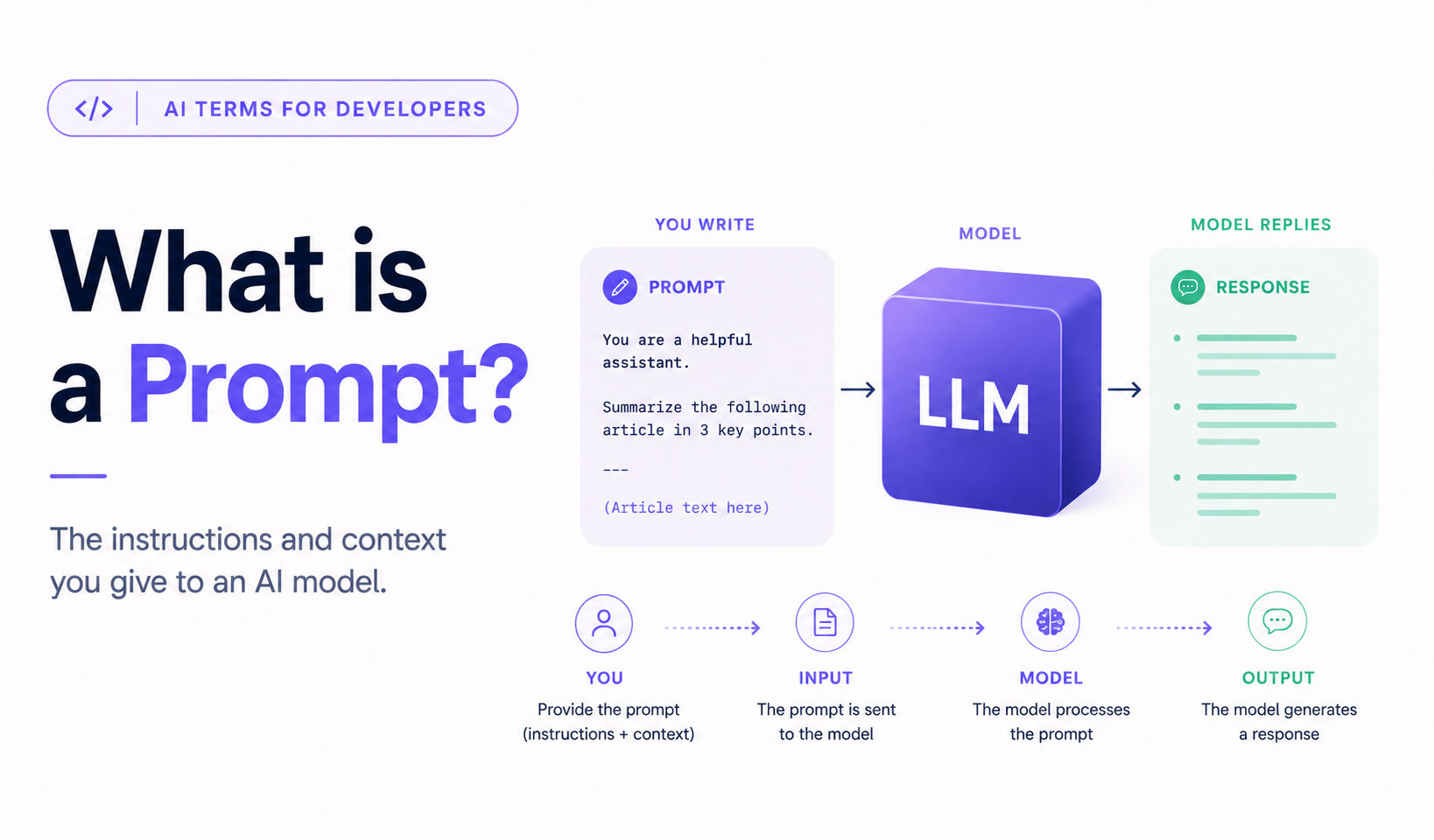
AI Terms for Developers: What is a Prompt?

A prompt is the text you send to an AI model. It's the instruction, question, or context the model uses to generate its response.
That's the textbook answer. The more useful answer: a prompt is the only control surface you have over what the model produces. Get the prompt right and the output is good. Get it wrong and no amount of tweaking other settings will save you.
The plain English version
Most people meet prompts through a chat interface. You type a question, the AI replies, you type a follow-up. The thing you typed is the prompt.
But that framing makes prompts sound trivial, like talking to a search engine. They're not. A prompt isn't only what you want. It's everything the model needs to give you what you want. That includes the instruction, any background information, examples of acceptable output, and the format you want the answer in.
Two prompts asking for the same thing can produce wildly different responses depending on how they're constructed. The skill of writing good prompts, called prompt engineering, exists because that gap is real and consequential.
Think of a prompt like a brief you'd give a freelancer. You can hire a great writer and still get bad output if your brief is “write something about our product”. A good brief tells them the audience, the tone, the constraints, the format, and what success looks like. Same writer, same skill, different brief, different result.
The model is the freelancer. The prompt is the brief. The quality of the output depends on both.
In practice
When you call an AI API, the prompt is the messages array. Each item has a role (user or assistant) and content (the text):
import Anthropic from "@anthropic-ai/sdk";

const client = new Anthropic();

const response = await client.messages.create({
  model: "claude-sonnet-4-6",
  max_tokens: 1024,
  messages: [
    {
      role: "user",
      content: "Summarise this article in three bullet points: ...",
    },
  ],
});
That single messages entry is your prompt. For a multi-turn conversation, you build the array up over time, alternating user and assistant turns.
Most useful prompts have four parts, even if they blur together:
-
Instruction: What you want the model to do. “Summarise this article”. “Translate this to French”. “Write a tagline for…”
-
Context: Background the model needs. The article you want summarised. The product you're writing copy for. The data you want analysed.
-
Examples: Optional, but they often move output quality more than the instruction itself. Show the model what good output looks like. One or two examples often outperform paragraphs of instructions.
-
Output format: What shape you want the answer in. Bullet points, JSON, a single sentence, a 200-word paragraph. If you don't specify, the model picks.
Most production AI features are built on prompts that combine all four. The instruction and output format are usually fixed. The context and examples vary per request.
What people get wrong
The biggest misconception is that prompting is about finding magic words. It isn't.
Phrases like “think step by step” or “you are an expert” sometimes help, but they're tools, not spells. What actually moves output quality? Being clear about what you want. Giving the model enough context. Showing it what good looks like. The “magic words” articles online are mostly cargo-culting one or two prompts that worked for someone, somewhere. Not a system you can rely on.
The other common mistake is assuming a prompt that worked once will keep working. Models update. Behaviour drifts. A prompt that gave you perfect output last month might not anymore. Production AI features need to test their prompts, not only write them.
The takeaway
A prompt is the only lever you have. The instruction, the context, the examples, the format. The model can only work with what you put in front of it.
What's next
This is the third article in the AI Terms for Developers series: a connected map of the concepts you'll meet most often when building with AI. A prompt is how you steer an LLM. The model reads it as tokens.
At Mezie Labs, we teach the mechanics first, because building with AI gets much easier once the fundamentals click.
Next up: Context window.